Most hacks use known weaknesses. Closing the basic gaps removes most of the risk.
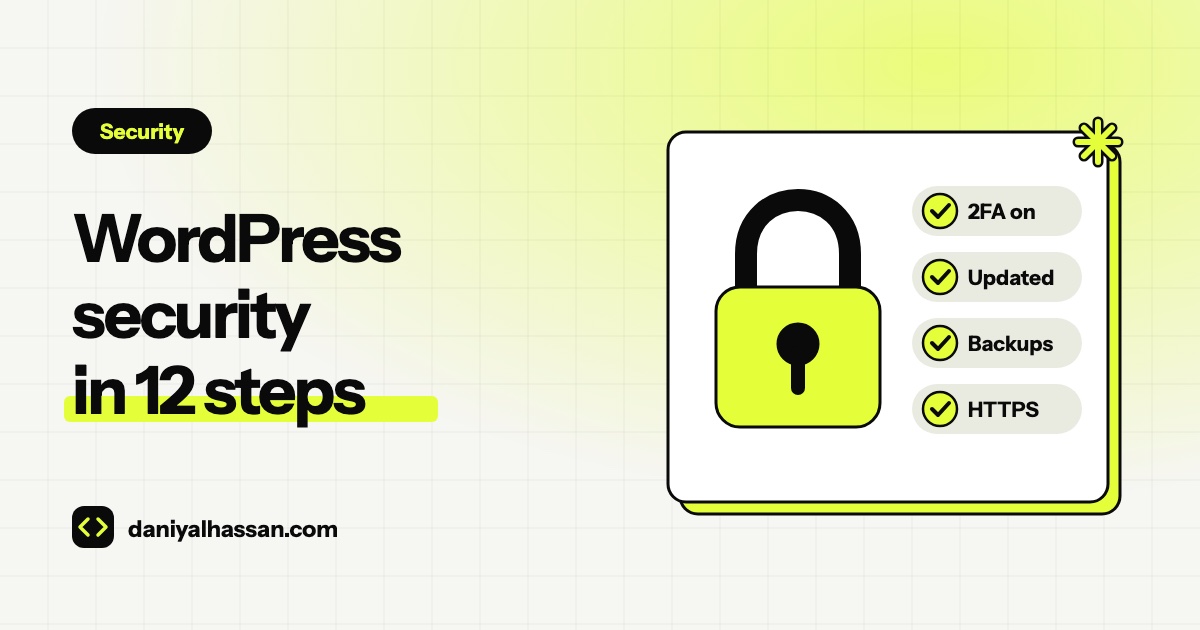
Secure WordPress by updating core, plugins and themes, deleting unused ones, using unique passwords with two-factor authentication, limiting admin accounts, keeping tested off-site backups, using HTTPS and monitoring for changes.
Which updates and software habits matter most?
- Update core, plugins and themes
- Delete anything unused
- Never install nulled themes or plugins
- Run a supported PHP version
How should I protect logins?
- Unique passwords in a password manager
- Two-factor authentication for administrators
- Limit login attempts
- Give each person the lowest role they need
How should I harden the site?
- Use HTTPS everywhere
- Disable file editing in the dashboard
- Block PHP execution in uploads
- Restrict file permissions
How do I recover if something goes wrong?
Keep off-site backups and test restoring them. Monitor uptime and file changes so you hear about problems early.
Frequently asked questions
Is WordPress secure?
WordPress core is actively maintained. Most problems come from outdated or poorly built add-ons and weak passwords.
Do I need a security plugin?
It can help with firewall and monitoring, but it does not replace updates, backups and good logins.
What should I do if I am already hacked?
Follow a recovery process: back up the current state, reset credentials, clean files and database, and close the entry point.