Everyone starts by searching the plugin directory, and that is the right first step. The question is when to stop searching and write code instead.
Use an existing plugin if it does roughly 80% of what you need, is actively maintained and well reviewed. Build a custom plugin when you would need several plugins or workarounds to fake one feature, when your workflow or pricing rules are specific to your business, or when you need to integrate with another system cleanly.
What is a good rule of thumb?
If an existing plugin covers about 80% of your needs, is updated regularly, has strong reviews and a clean support record, use it. You get a maintained product for free or for a small licence.
If you find yourself stacking three or four plugins and writing workarounds to get one behaviour, the stack is the problem. That is the point where custom code usually wins.
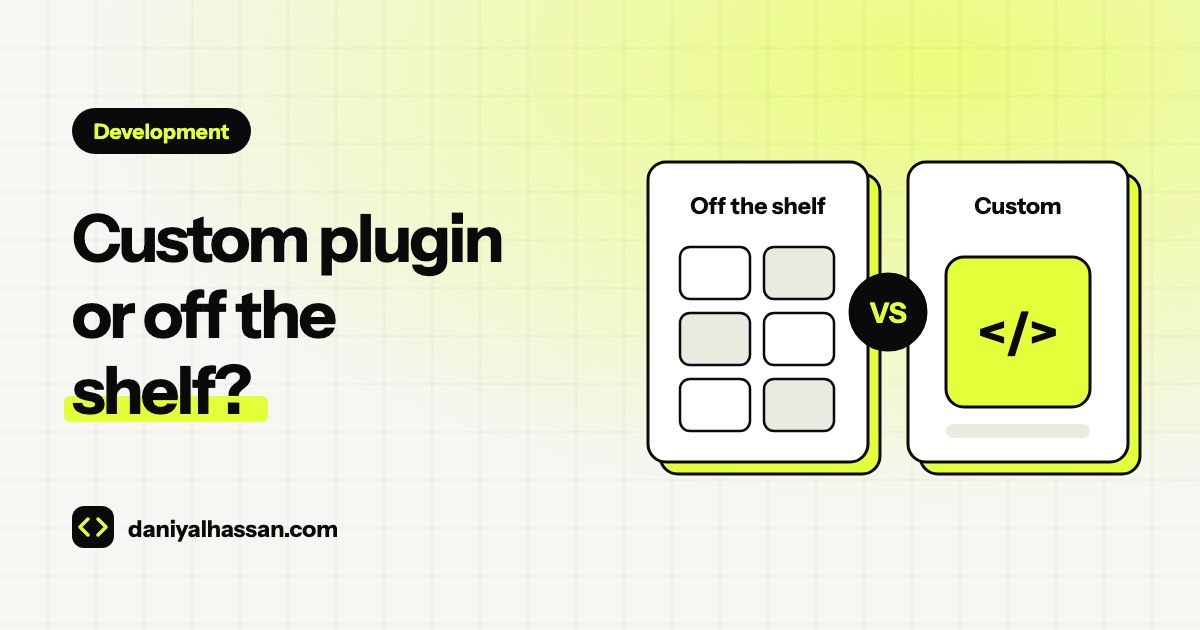
Custom plugin vs off-the-shelf: side by side
| Off-the-shelf plugin | Custom plugin | |
|---|---|---|
| Upfront cost | Low or free | Higher |
| Fit to your workflow | Approximate | Exact |
| Speed impact | Often loads extra features you do not use | Only the code you need |
| Maintenance | Handled by the vendor | You or your developer |
| Integrations | Limited to what the vendor built | Anything with an API |
| Risk | Abandoned or vulnerable plugins | Poorly written code if built badly |
What does plugin stacking really cost?
Every extra plugin adds scripts, database queries, update work and attack surface. Conflicts between plugins are also a common cause of broken checkouts and white screens. A single, purpose-built plugin is often lighter and easier to debug than five general-purpose ones.
When is custom code clearly the better choice?
- Specific business logic. Booking rules, pricing calculators or approval workflows unique to you.
- Integrations. Connecting WordPress to a CRM, marketplace or internal API cleanly.
- Automation. Scheduling, publishing or syncing tasks that humans repeat.
- Performance. Replacing a heavy plugin with a focused one.
- Admin tooling. Giving staff a simple screen instead of a manual process.
Examples from my own work include a keyword-based internal linking tool that suggests posts and links them in one click, a remote publisher that schedules daily posts from an API with meta data and on-page SEO filled in, and booking and pricing-calculator plugins.
What does a well-built custom plugin look like?
- Follows WordPress coding standards and is easy to read.
- Sanitizes input, escapes output and checks nonces and capabilities.
- Has a simple settings screen rather than hard-coded values.
- Is tested on a staging copy and safe across WordPress updates.
- Comes with documentation so any developer can maintain it.
What should I ask before hiring a plugin developer?
- Can you show similar plugins you have built?
- How do you handle security and updates?
- Will the code be documented and handed over?
- What is fixed in the quote and what is out of scope?
- What support do I get after launch?
Ready to explore it? See my custom plugin development service.
Frequently asked questions
Is a custom plugin more secure than an off-the-shelf one?
Not automatically. A well-maintained popular plugin can be very secure, and badly written custom code can be risky. What matters is who writes it, whether it follows security best practice and whether it is kept updated.
How much does a custom WordPress plugin cost?
It depends on features, integrations and admin screens. I quote a fixed price after a short scoping call, with 50% to start and 50% on delivery.
Can a custom plugin break when WordPress updates?
Any code can, which is why custom plugins should follow WordPress standards, be tested on staging and be versioned. That keeps updates routine rather than risky.