Traffic usually drops after a move for avoidable reasons: broken URLs, blocked crawling or missing content.
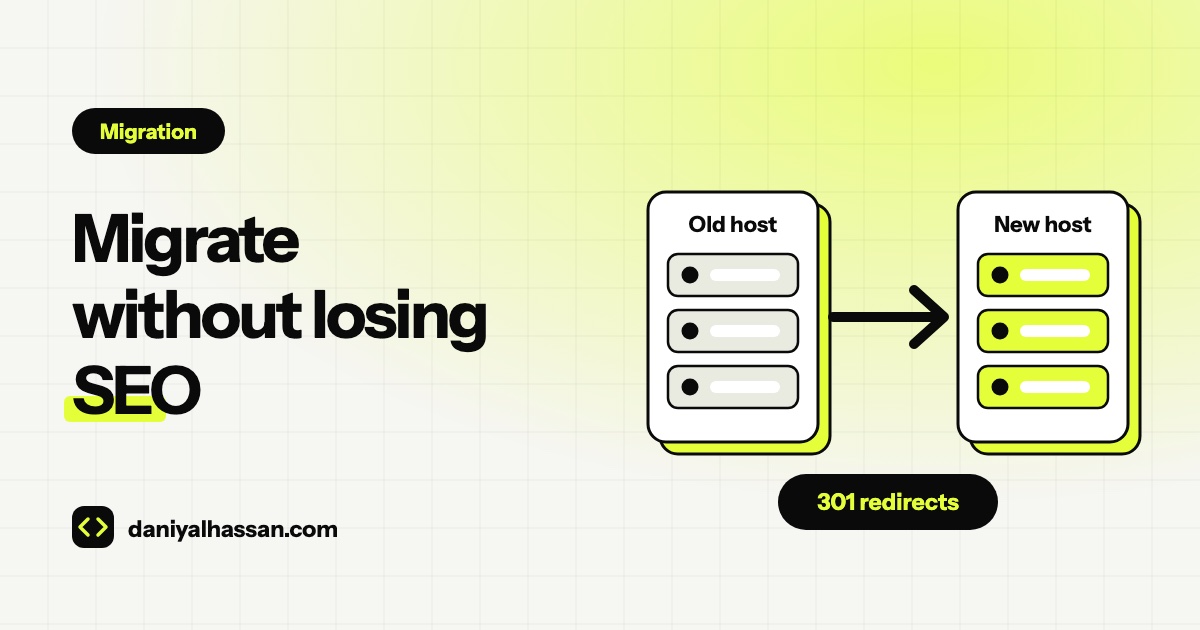
To migrate without losing SEO, record all current URLs, back up the site, keep the same URL structure or add 301 redirects for every changed address, test on the new server before switching DNS, then monitor Search Console for errors.
What should I do before migrating?
- Export a list of all indexed URLs
- Take a full backup of files and database
- Record titles, descriptions and top pages
- Lower DNS TTL ahead of the switch
How do I keep rankings?
Keep URLs identical where you can. Where they must change, set a permanent (301) redirect from each old URL to the closest new page, not to the home page.
What should I test before going live?
- Forms, checkout and logins
- Images and internal links
- SSL and mixed content
- robots.txt and noindex settings
What should I monitor afterwards?
Watch Search Console coverage and 404 reports for several weeks, submit the new sitemap and fix errors quickly.
Frequently asked questions
Will my rankings drop after migration?
Small fluctuations are normal. Large or lasting drops usually point to missing redirects, blocked crawling or lost content.
How long should I keep redirects?
Keep them for as long as possible, at least a year, because other sites and bookmarks still use old URLs.
Should I redesign and migrate at once?
It is easier to diagnose problems if you change one major thing at a time.