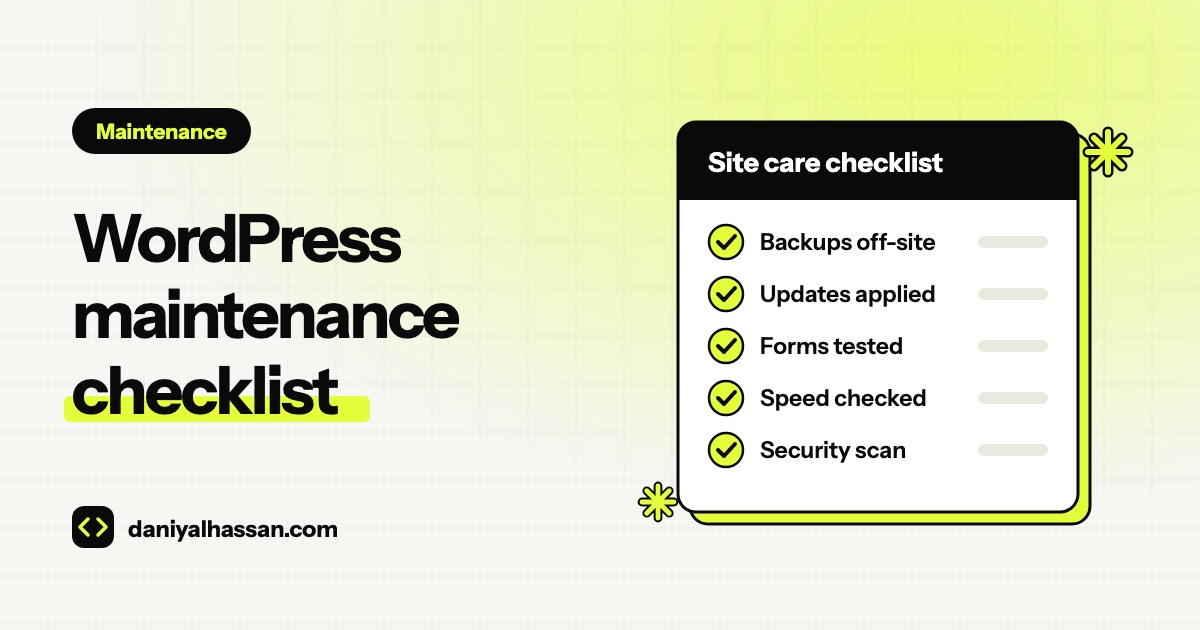
Most WordPress disasters are maintenance problems that went unnoticed. This schedule prevents them.
Quick answer
Maintain a WordPress site by keeping off-site backups, applying updates safely, checking uptime and security weekly, testing forms and checkout monthly, and reviewing plugins, hosting and PHP version at least yearly.
What should I do every week?
- Confirm backups ran and are stored off-site
- Apply core, plugin and theme updates after a backup
- Check uptime and security alerts
- Remove spam comments and entries
What should I do every month?
- Submit every contact form and check the email arrives
- Place a test order if you sell online
- Check key pages in PageSpeed Insights
- Review Search Console for errors
- Delete unused plugins and themes
Curious how healthy your own site is?Take the free 2-minute self-check. Instant score, no email needed.
Take the self-checkWhat should I do every year?
- Restore a backup to a test site to prove it works
- Check your PHP version is still supported
- Review hosting performance and cost
- Audit user accounts and remove old ones
- Renew licences and the domain
How do I update safely?
Back up first, update on a staging copy where possible, update one major plugin at a time and test key pages afterwards.
Frequently asked questions
How often should I update WordPress plugins?
Check weekly. Apply security updates promptly, with a backup taken first.
Do I need a maintenance plan?
If your site brings leads or sales and nobody on your team will do these checks, a plan is worth it.
Are automatic updates safe?
They are useful for small sites, but stores and custom builds are safer with tested, supervised updates.